Exchanges
July 8, 2021
Wayex Tax Guide
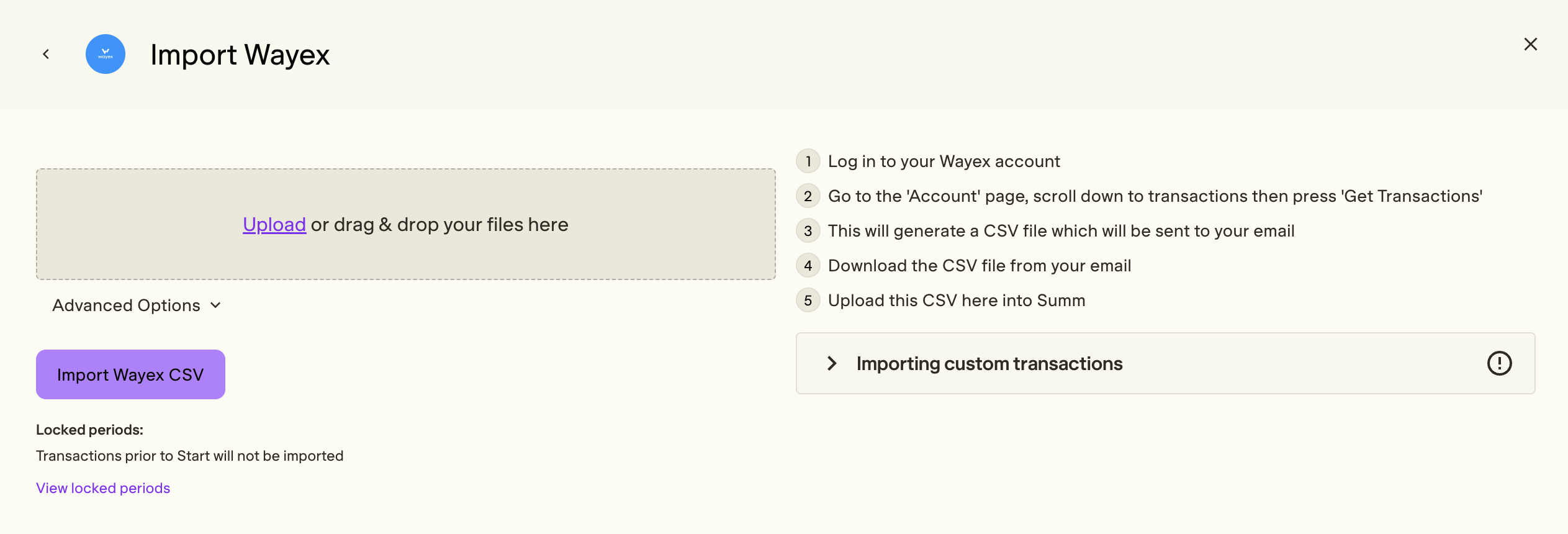
Summ has partnered with Wayex to make it easy to calculate your taxes arising from any trading activity on Wayex. You can import your trading data as a CSV file by following the instructions in this guide.
 Summ
Summ This tax guide is regularly updated: Last Update June 22, 2026
Import via Order History CSV File
- Log in to your Wayex account
- Go to the 'Account' page by tapping the human icon at the bottom right of the screen
- Scroll down to transactions then press 'Generate Report'
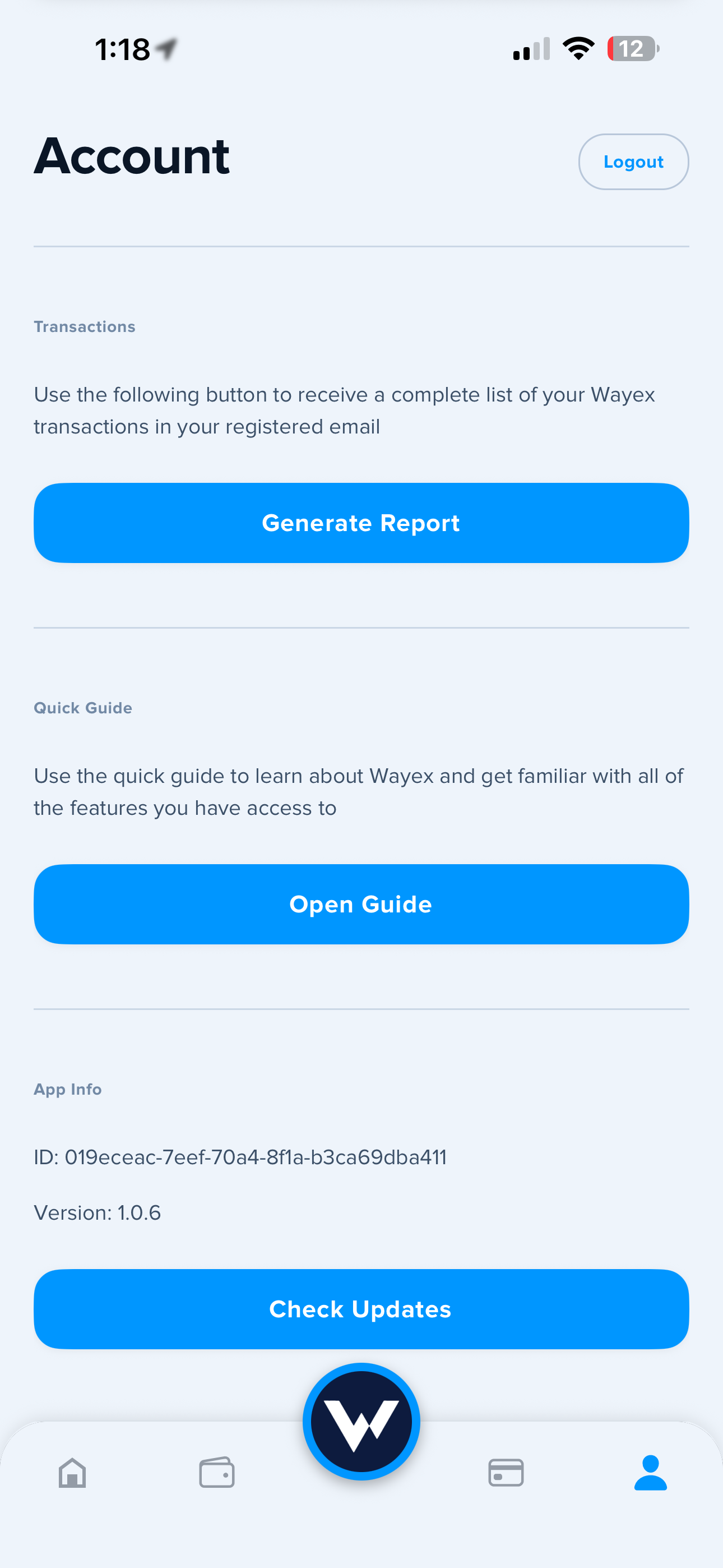
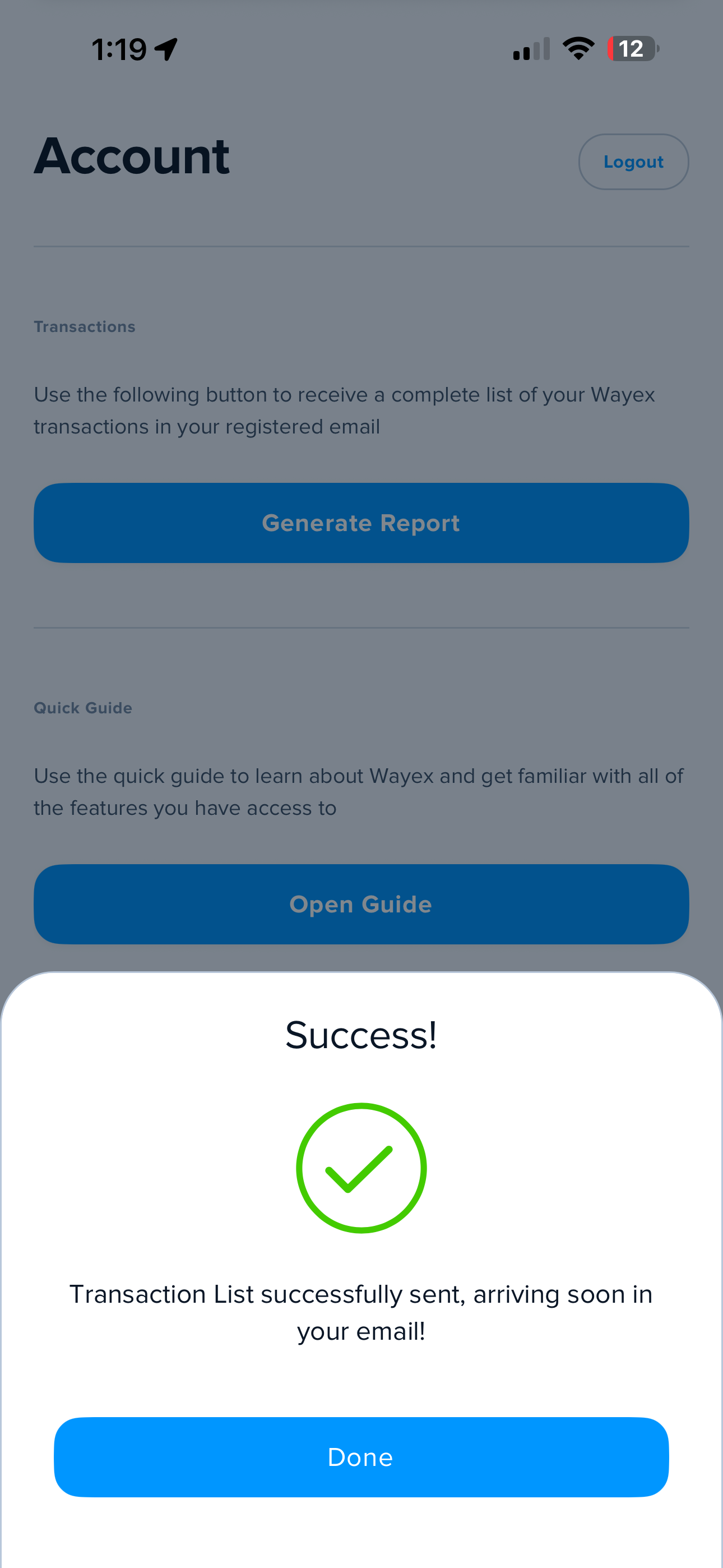
- This will generate a CSV file which will be sent to your email. Download the CSV file from your email
- Upload this CSV here into Summ