
01
Add your brokers
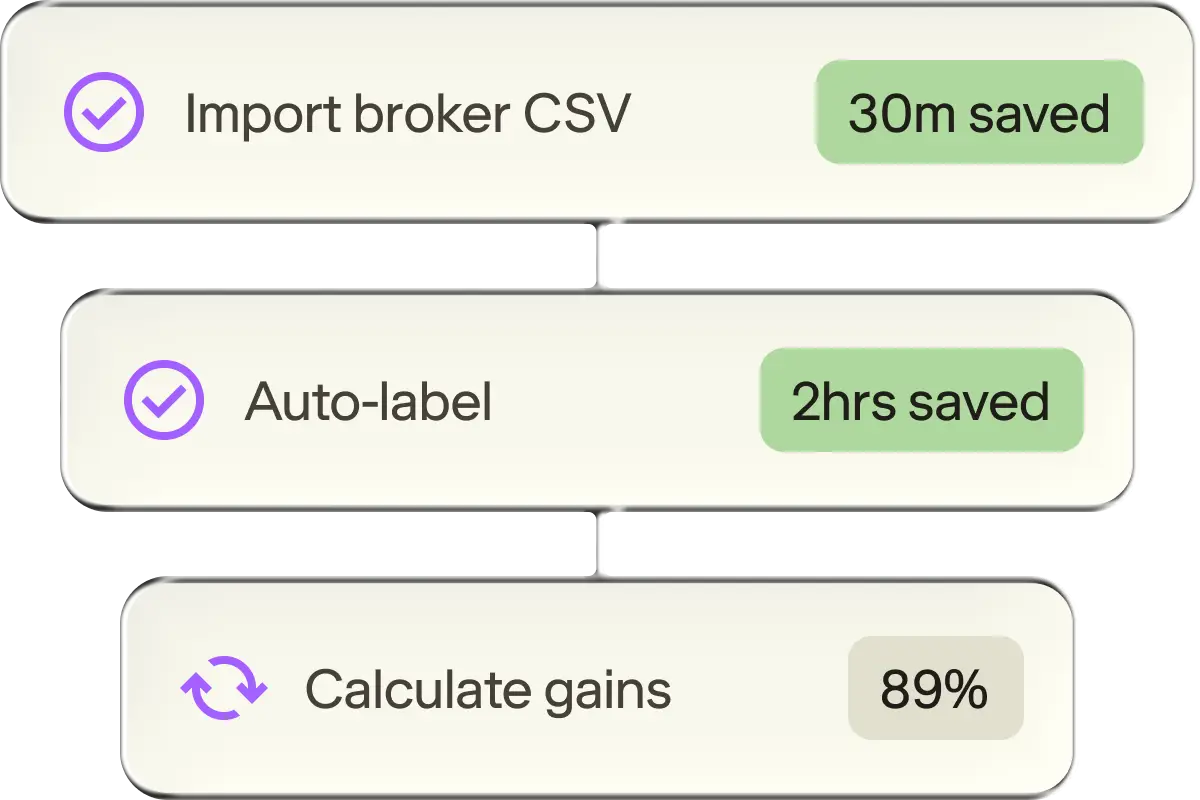
Upload your trading history from CommSec, Stake, IBKR and more. Summ labels every transaction for your tax report.
Capital gains, dividends and franking credits from your broker files, ready for myTax.















01
Upload your trading history from CommSec, Stake, IBKR and more. Summ labels every transaction for your tax report.
02
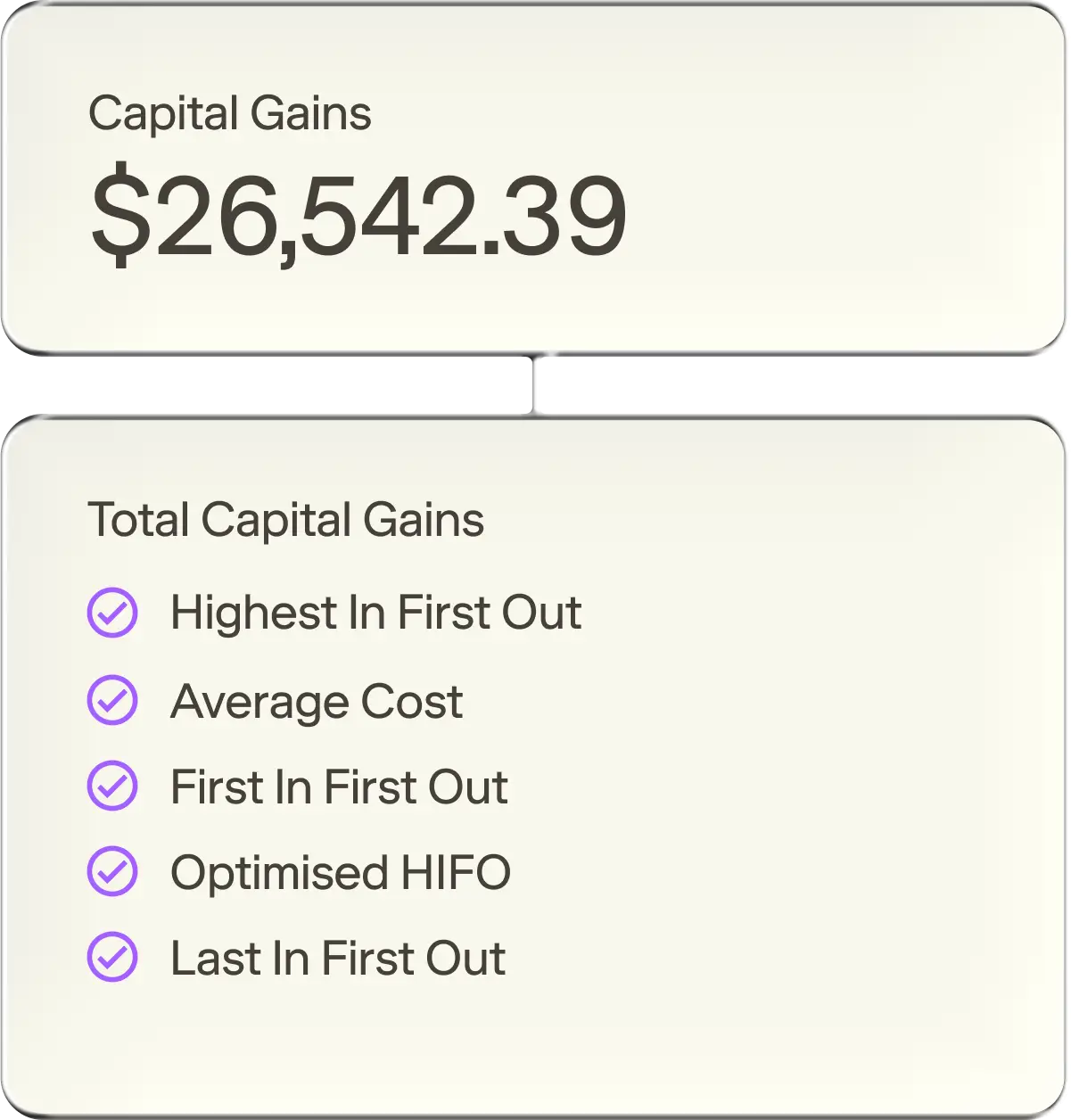
Every sale is matched to its purchase, with your AMMA cost base adjustments covered.
03
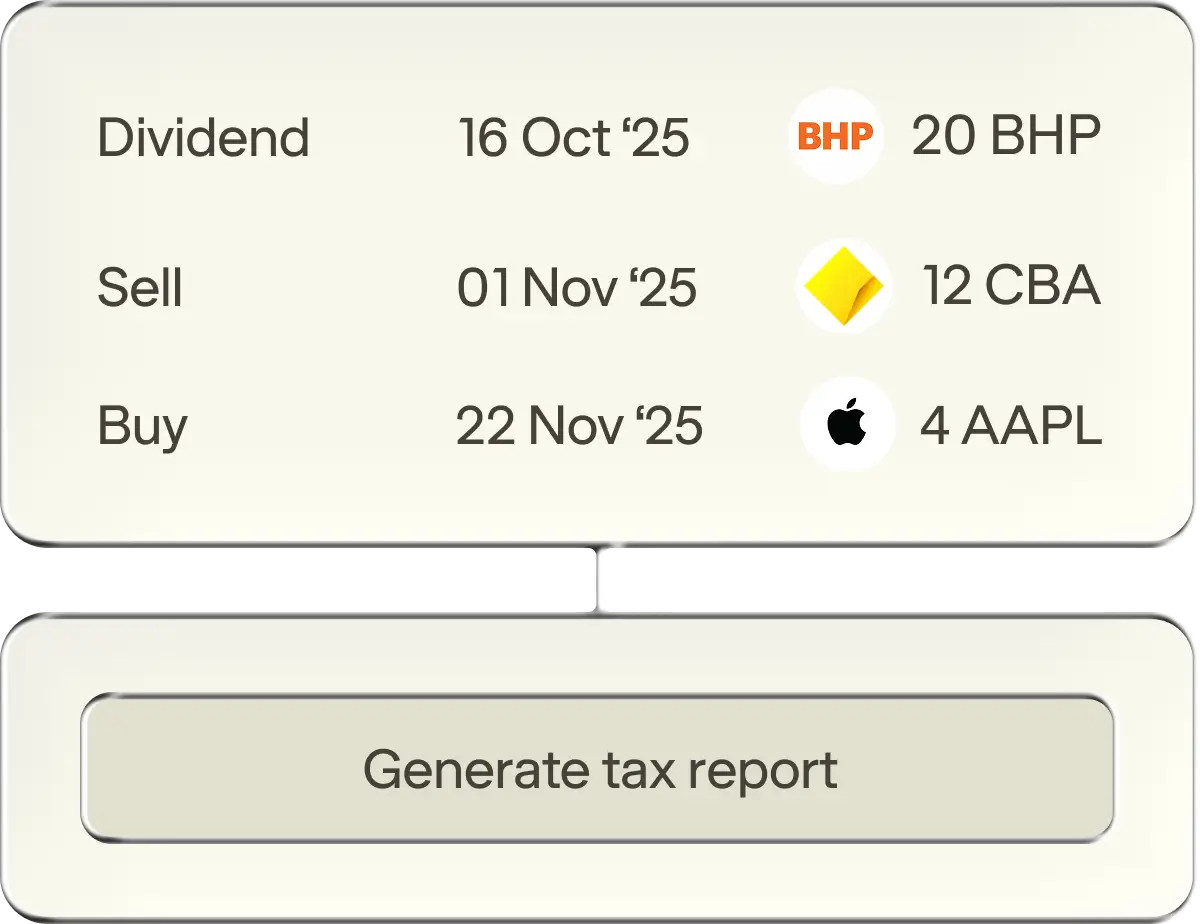
Download a myTax-ready report with your dividends and franking credits included, then lodge it yourself or hand it to your accountant.
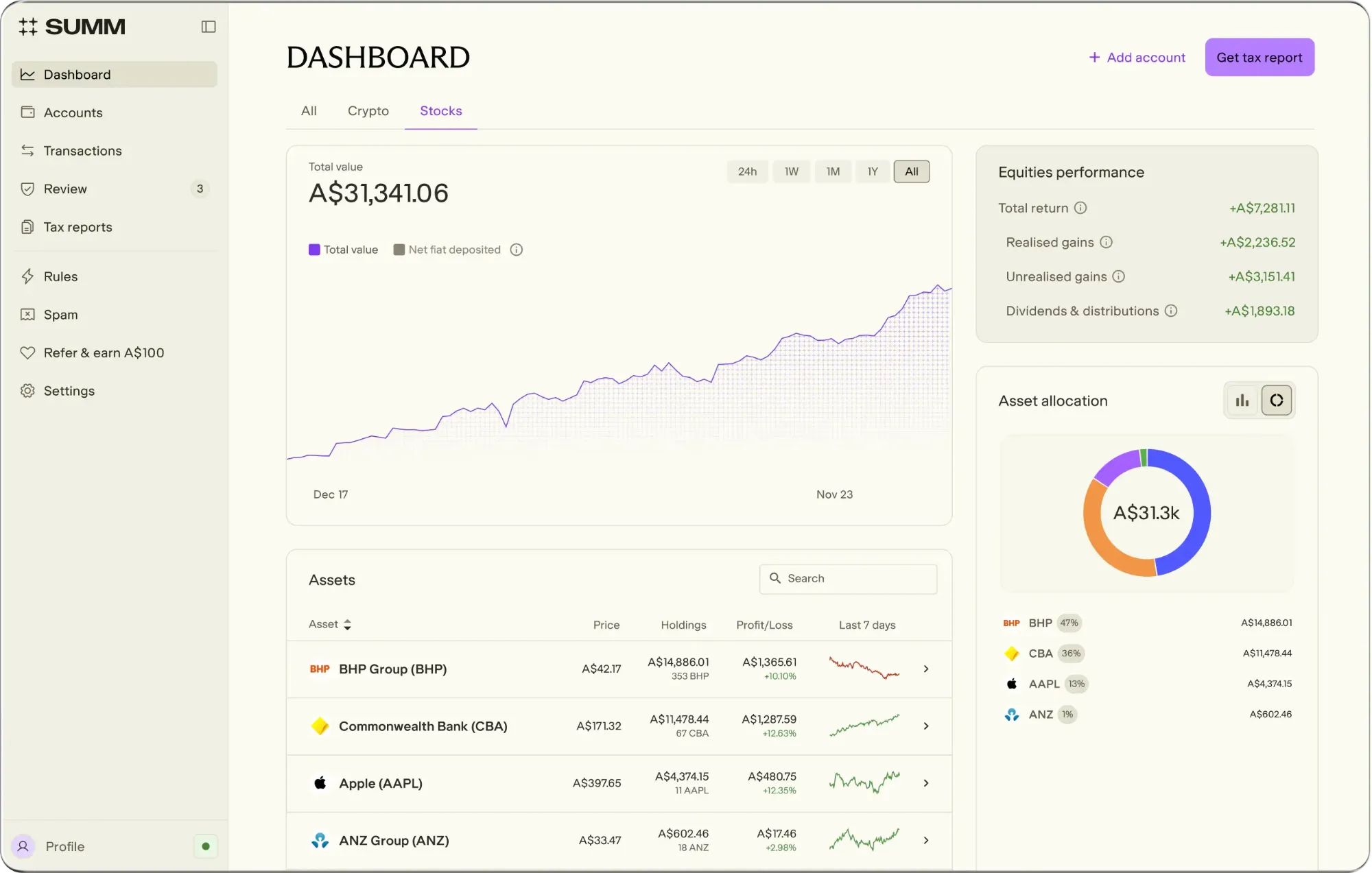
Shares, ETFs and dividends from every broker in one dashboard. No spreadsheets, no switching between apps.
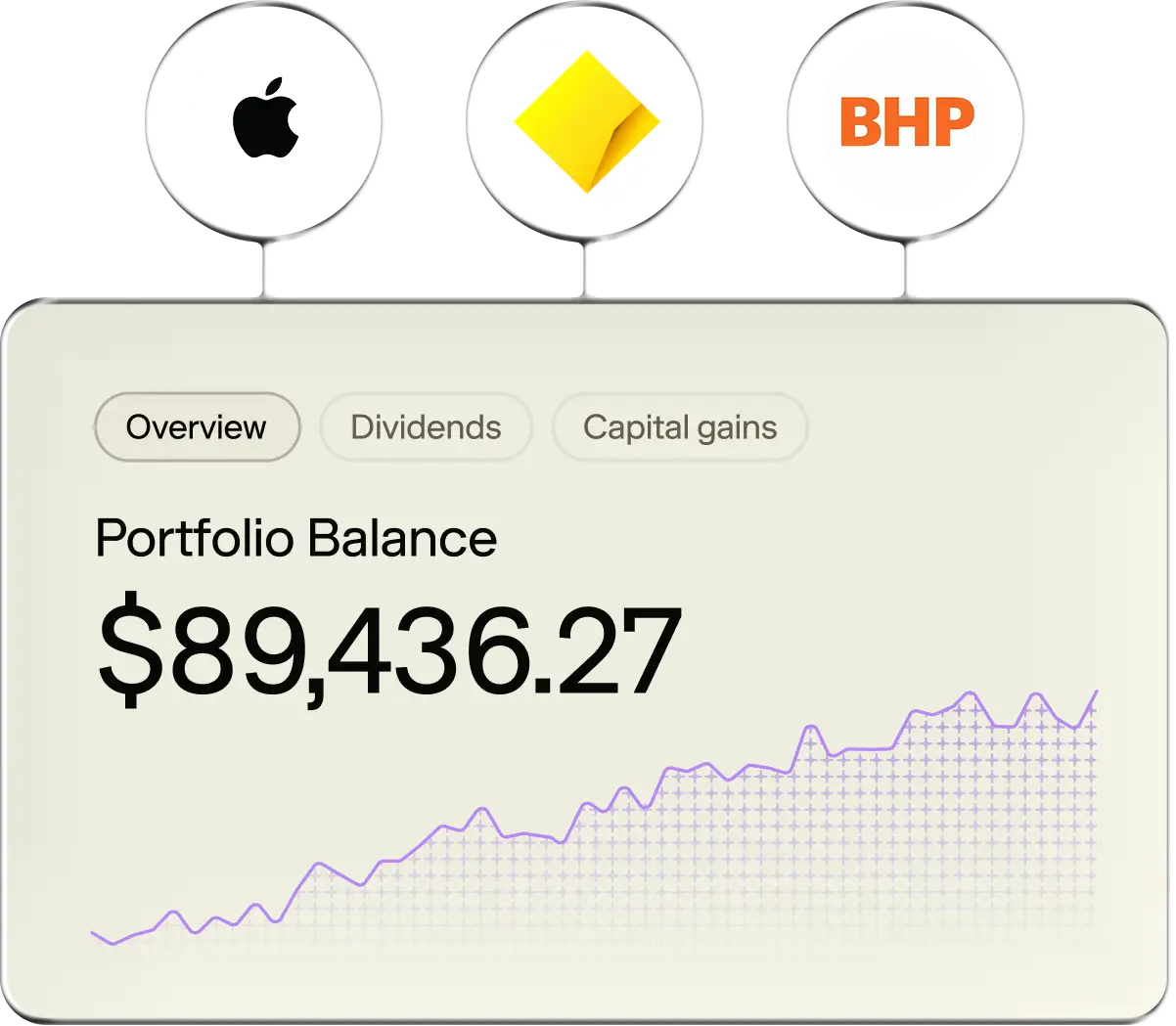
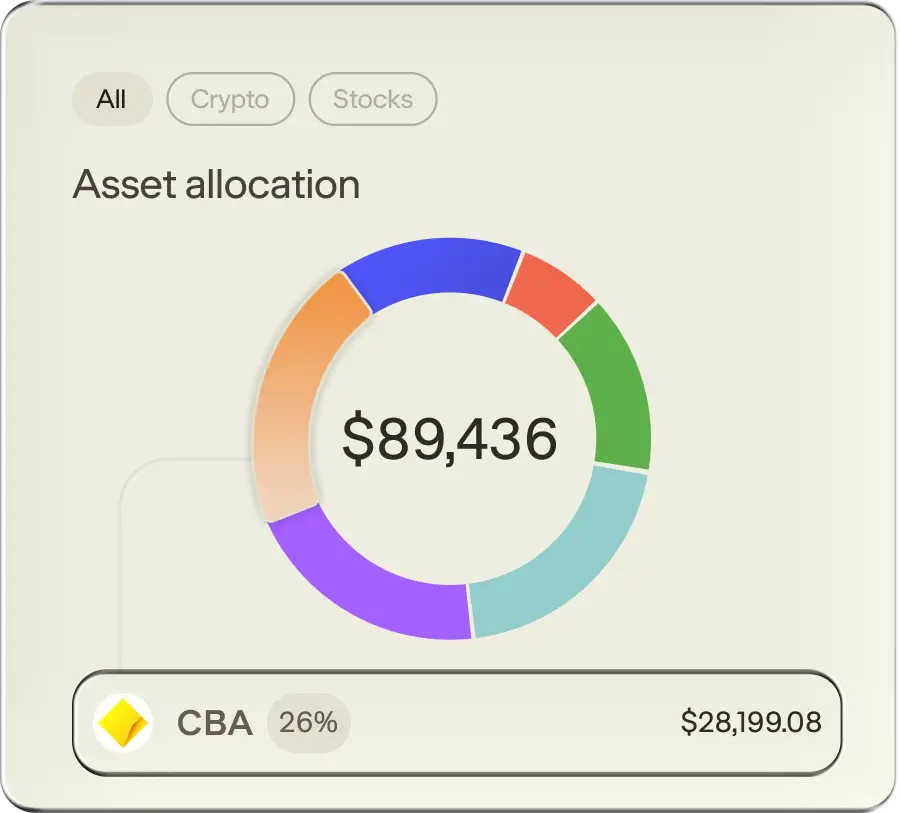
Your asset spread, unrealised gains and the broker fees you've paid, all in one view.
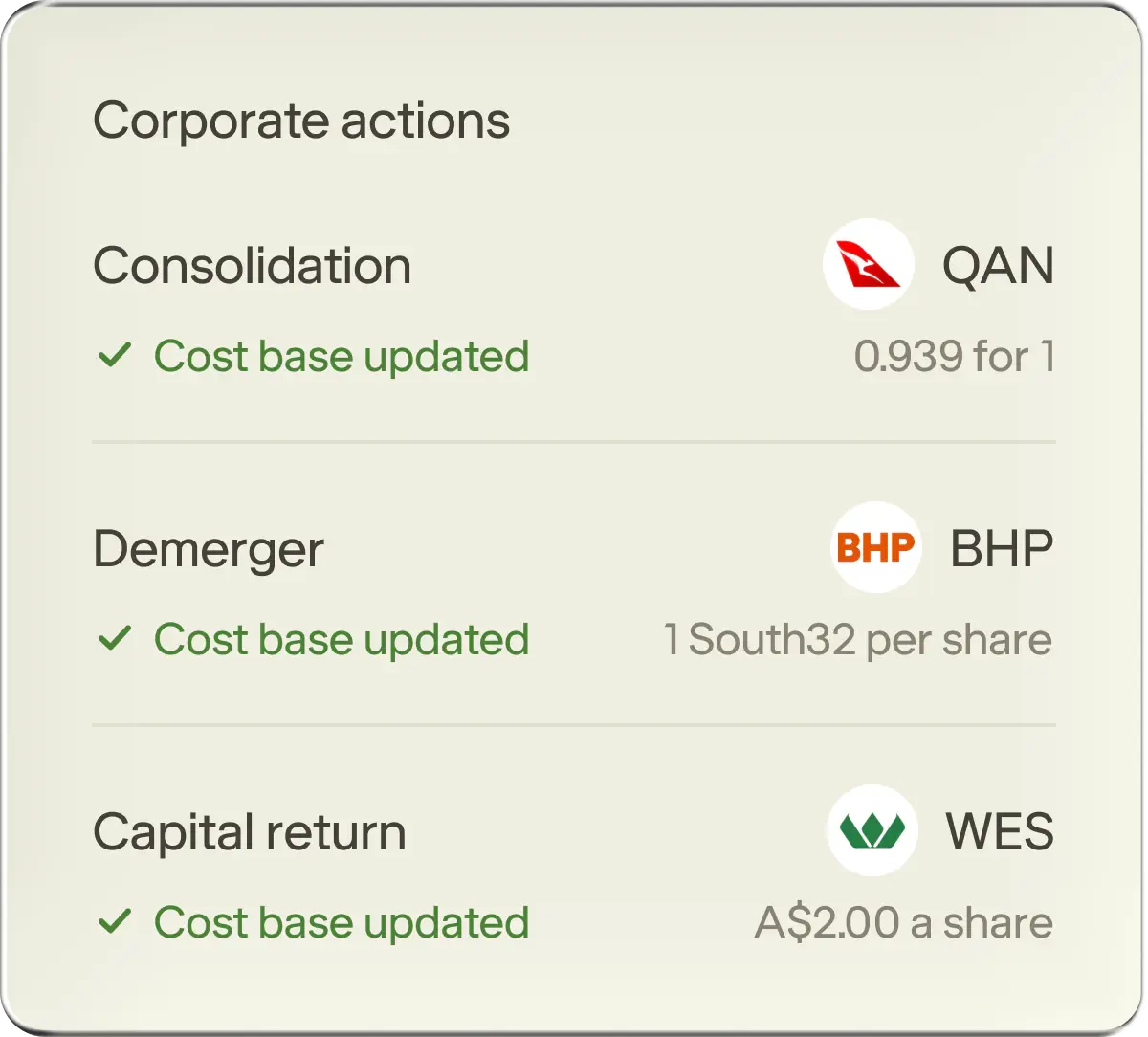
Splits, consolidations, demergers, mergers and capital returns adjust your cost base automatically, so every gain is worked out on the right numbers.
All your brokers, consolidated into one set of tax reports. Lodge yourself through myTax, or share the reports with your accountant.
Download a sample report
This was the first year I could do my taxes for both crypto and shares under one subscription. Made my life way easier at tax time, and allowed me to cancel another subscription, saving me money.

Ethan M
Summ customer
Now that Summ has added support for Australian stocks I'm relieved to be able to do all of my tax reporting in one place. It's so easy to lodge in myTax using Summ for my stocks and crypto.
J Edwards
Summ customer
Recommended
Compare plans
Core capabilities
Portfolio tracking
Plan inclusions
Portfolio tracking
Plan inclusions
Portfolio tracking
Plan inclusions
Portfolio tracking
Plan inclusions
Portfolio tracking
Unlimited holdings & integrations
Unlimited holdings & integrations
Unlimited holdings & integrations
Unlimited holdings & integrations
Unlimited holdings & integrations
Unlimited tax reports for all tax years
Unlimited tax reports for all tax years
Unlimited tax reports for all tax years
Unlimited tax reports for all tax years
Unlimited tax reports for all tax years
Dividend tracking
Dividend tracking
Dividend tracking
Dividend tracking
Dividend tracking
Automatic corporate action tracking
Automatic corporate action tracking
Automatic corporate action tracking
Automatic corporate action tracking
Automatic corporate action tracking
Support
Support
Support
Priority support
Tax minimisation algorithm
Tax minimisation algorithm
Tax minimisation algorithm
Tax loss harvesting
Tax loss harvesting
Tax loss harvesting
Advanced reports
Advanced reports
Advanced reports
Audit report
Audit report
Audit report
Trading stock report
Trading stock report
Quick answers to some of your most common questions.
Yes, but you don't need to. If you also hold crypto, add your exchanges and wallets and they sit in the same portfolio and report as your shares.
Currently Australian and US stocks, with more on the way. Add the accounts where you trade.
Export your trading history from your broker as a CSV, then upload it under Accounts. Summ imports each transaction, adds it to your portfolio and works out your gains.
Summ supports dividends and distributions, share splits and consolidations, capital returns, demergers, ticker changes, mergers and special dividends.
Yes. Upload your AMMA statement and Summ reads the cost base adjustment from it. You confirm the adjustment, and Summ updates your distribution parcel cost base. Distributions, franking credits and foreign income sit in the same ATO-ready report as the rest of your portfolio.
We support CSV import from CommSec, CommSec International, Stake, Interactive Brokers, CMC Invest, Moomoo, Raiz, Selfwealth, Superhero, nabtrade, Pearler, Vanguard Personal Investor, Betashares Direct, Sharesies, Tiger Trade, Westpac Share Trading and Bell Direct, with more being added. Broker not listed? Upload your file anyway. It tells us which broker to add next.
Yes. We support CSV import from portfolio tracking software Sharesight and Navexa. Export your history from your tracker and upload it under Accounts.
Any foreign tax withheld on your US shares is calculated automatically and shown in your account. You stay in control of the rate: set it to 15% or 30% in settings to match your reporting needs.
Generally two ways. Capital gains tax applies when you sell shares or ETF units. Income tax applies to what you earn, such as dividends and distributions. Summ applies the ATO's rules to each sale and dividend, and shows how every figure is worked out.
There's no time limit. Summ is free to use from the moment you sign up: import your accounts, track your portfolio and use the categorisation tools at no cost. You only need a paid plan when you want to download your reports or use premium features such as tax loss harvesting.
Yes, Summ (formerly Crypto Tax Calculator) is designed to generate accountant-friendly tax reports. You import your transaction history and export your report, so your books are up to date before your accountant sees them, which can reduce the bill. You can discuss tax scenarios with your accountant and have them review the report.
Bought the same shares at different prices? When you sell, Summ picks the parcels that could lower your tax. We call it Least Tax First Out.
No credit card required · Read-only access
Guides for share investors, and what's new in Summ.
Blog
22 July 2026
When CGT applies to shares, how the 50% discount works, and how capital losses help.
Blog
20 October 2026
From uploading your broker history to the report you lodge: parcels, dividends, corporate actions and AMMA statements.
Blog
8 July 2026
CGT when you sell, income tax on dividends, and what to consider when you reinvest. The FY25-26 rules, explained.