Elbaite Tax Guide
Summ has integrated Elbaite into our platform to help users easily calculate their cryptocurrency tax obligations. Users can upload via CSV import following the instructions in this guide.
 Summ
Summ Summ supports CSV files for uploading data from Elbaite so you can calculate your crypto taxes. Elbaite offers CSV history downloads allowing you to upload your transaction history directly from the exchange into Summ to do your taxes.
On Elbaite:
After logging in to your Elbaite account:
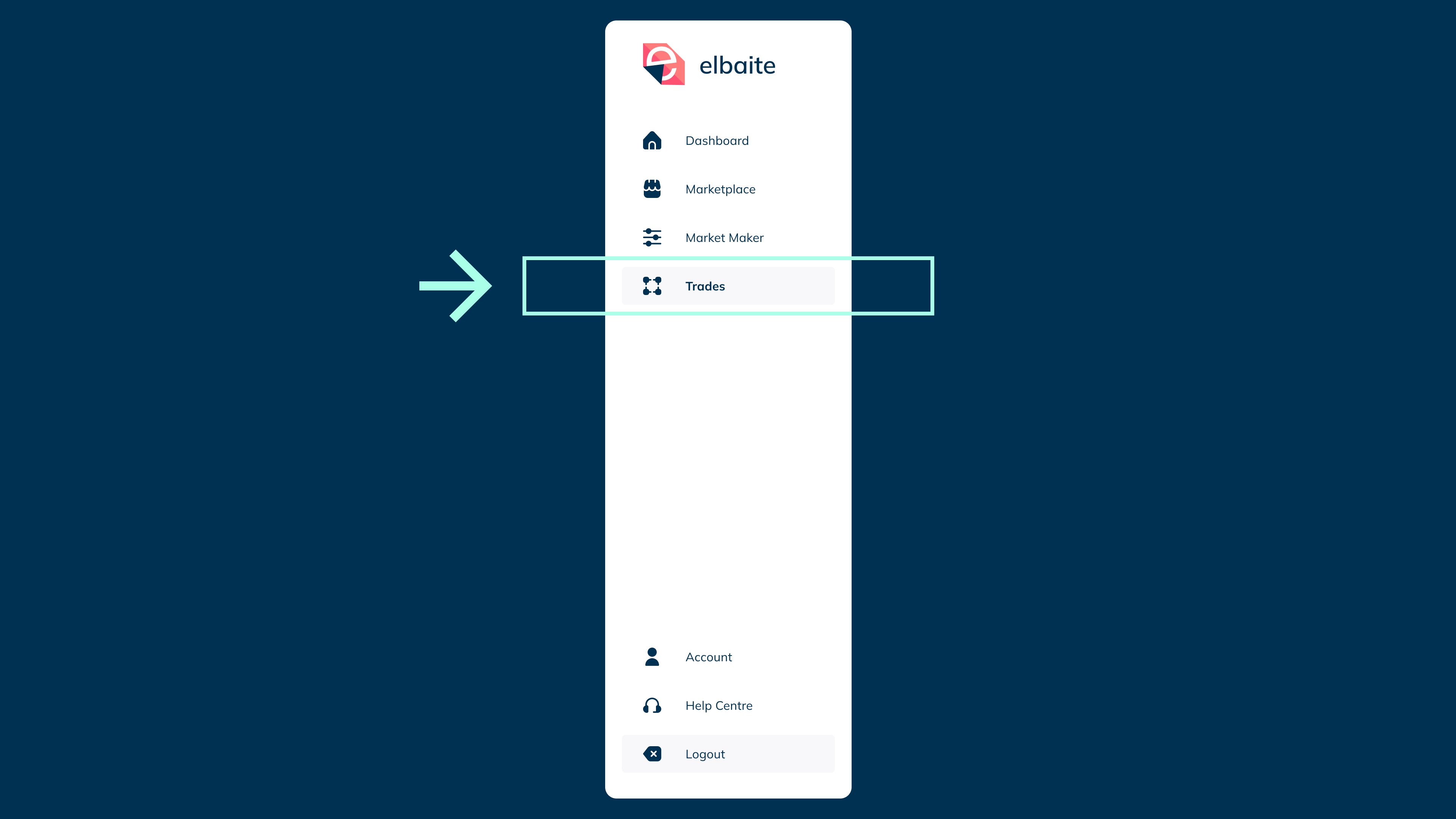
- Navigate to the [Trades] tab
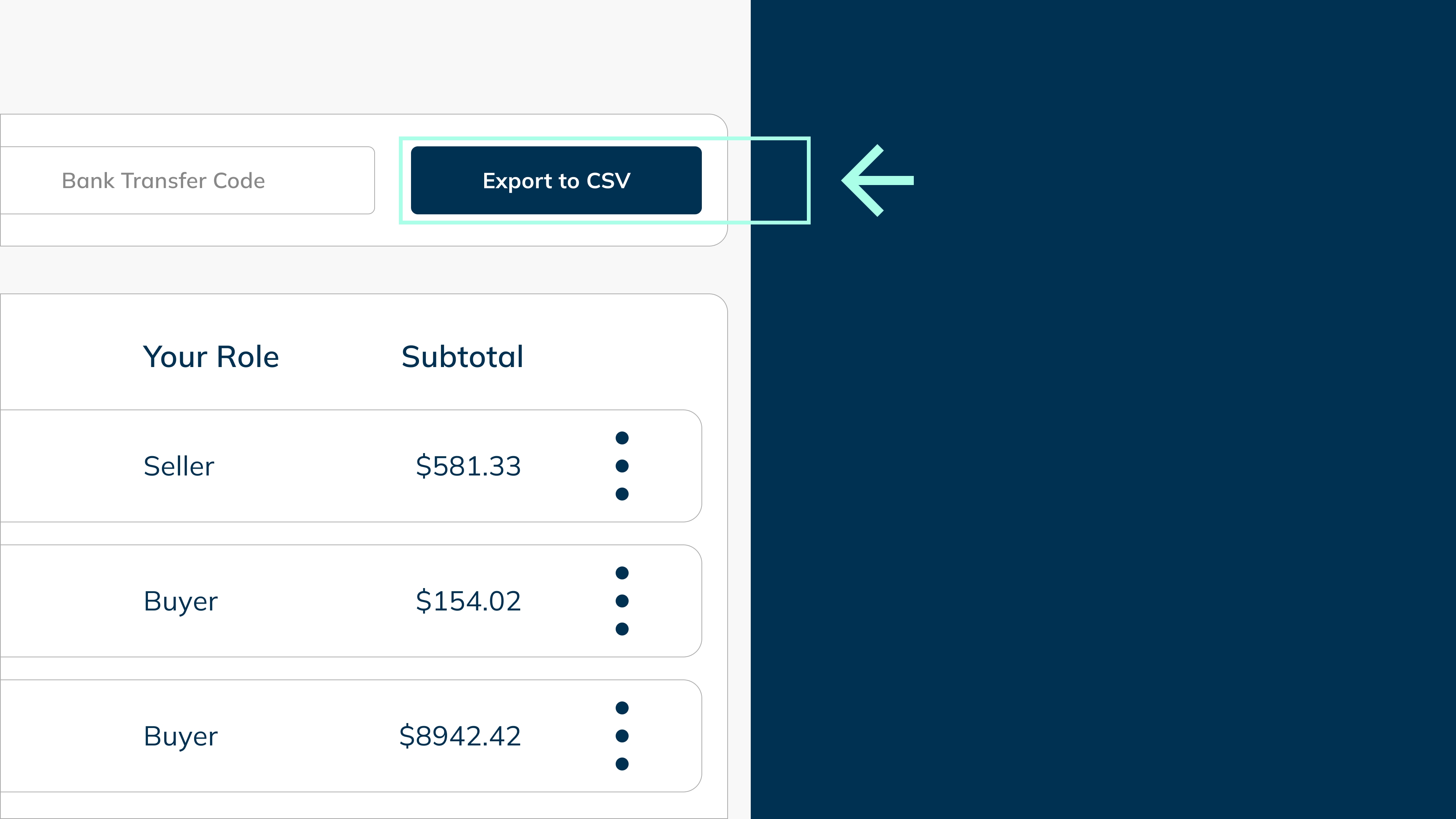
- Click [Export to CSV]

On Summ:
- Login and navigate to the 'Import Data' section of your account and search 'Elbaite'

- Select Elbaite, and then choose 'Upload files’
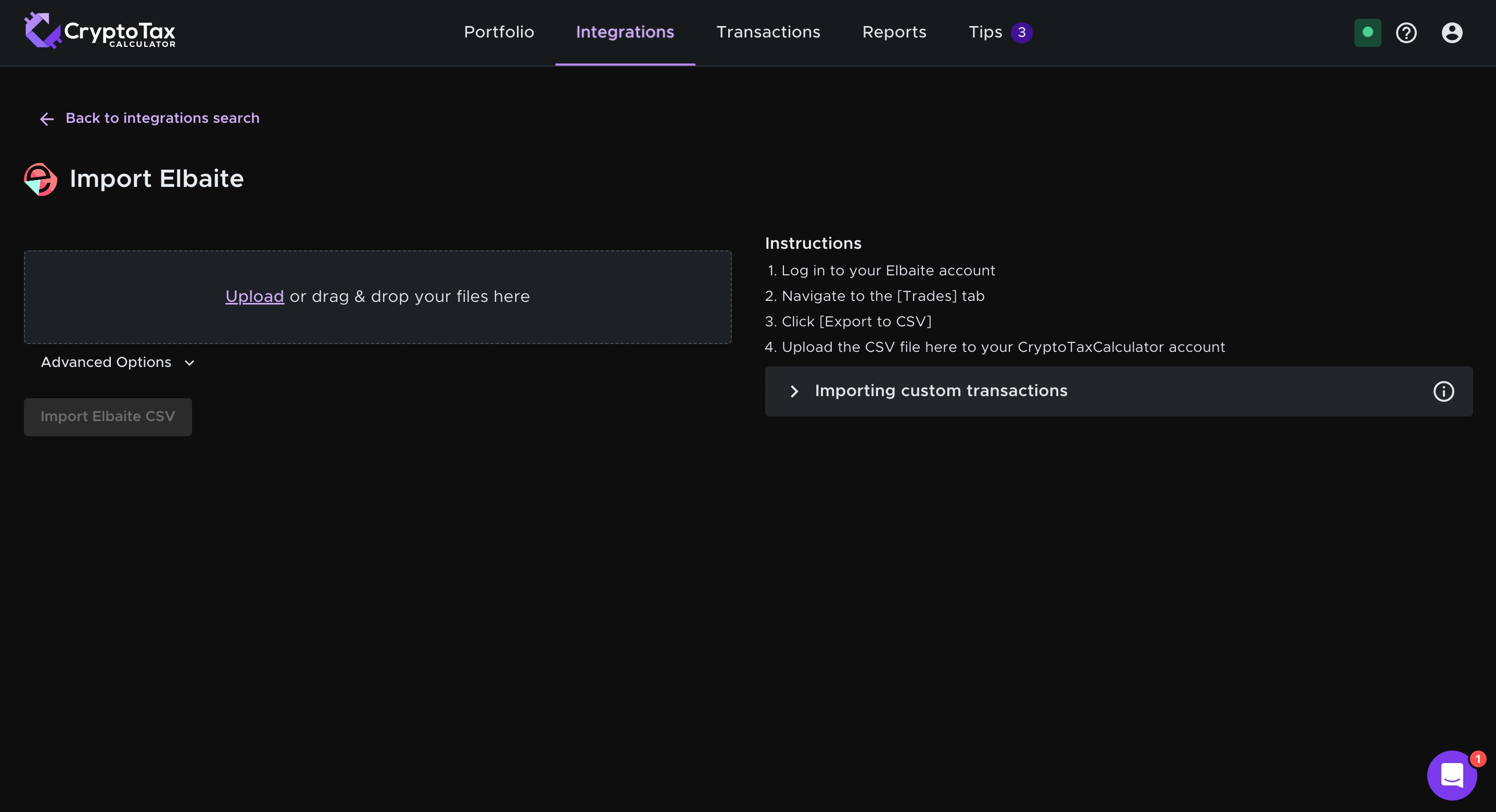
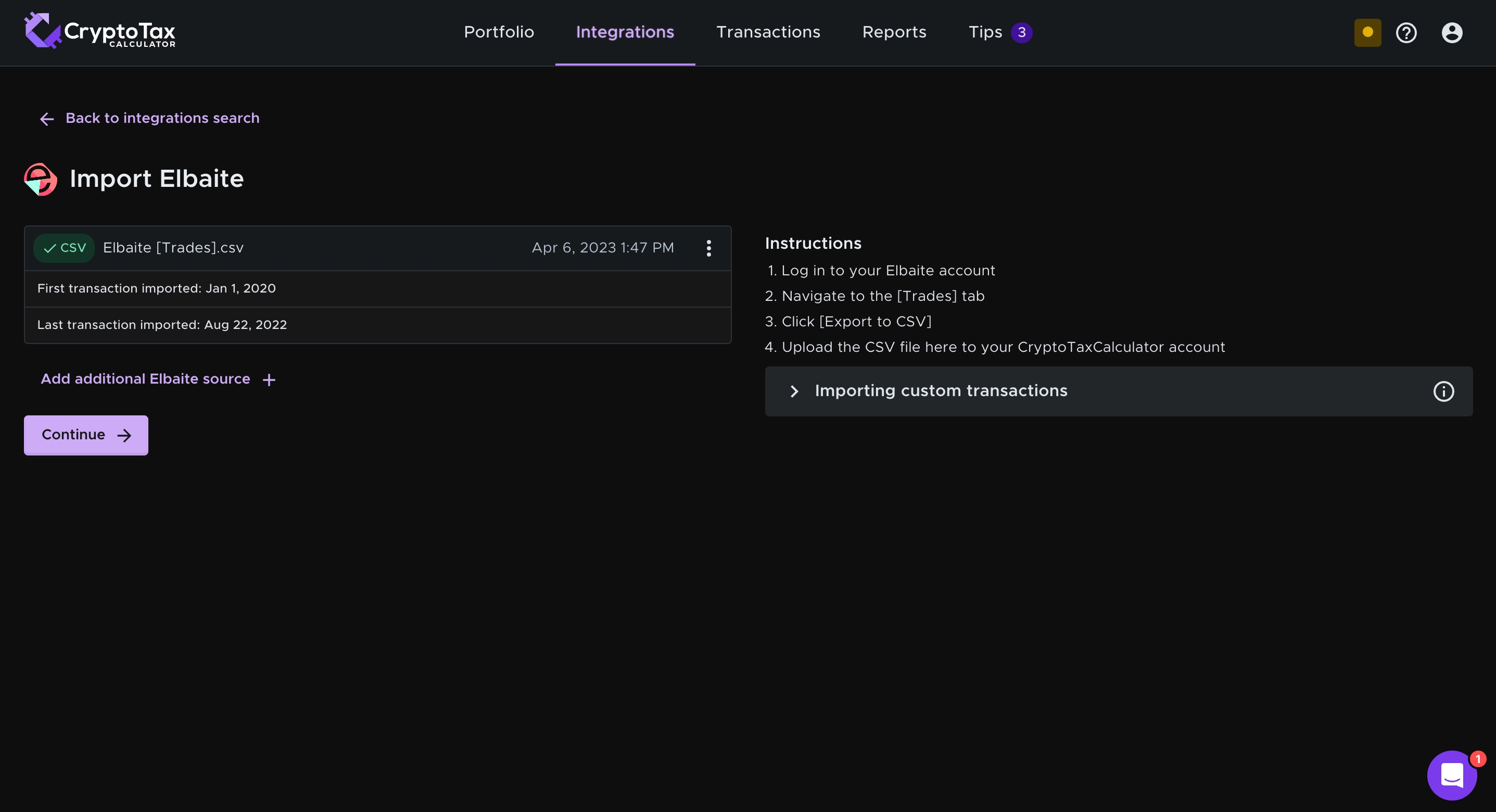
- Import the file that you downloaded from Elbaite
Wrapping Up
As we wrap up this import guide, you now possess the know-how to easily import your Elbaite transactions into Summ. These easy-to-follow steps allow you to streamline your crypto tax management and confidently track your crypto transactions on Elbaite. Keep in mind that staying on top of your tax responsibilities is vital in the wild world of cryptocurrencies so that you don’t fall victim to the tax man down the track.