Exchanges
June 23, 2022
Coinstash Tax Guide
Summ allows you to calculate your taxes arising from any trading activity on Coinstash. You can import your trading data as a CSV file.
 Summ
Summ This tax guide is regularly updated: Last Update June 23, 2022
Summ allows you to calculate your taxes arising from any trading activity on Coinstash. You can import your trading data as a CSV file. You can then easily calculate your financial year's short and long-term gains using various in-app inventory methods.
Import your transactions via CSV File
- Log in to your Coinstash account on a web browser
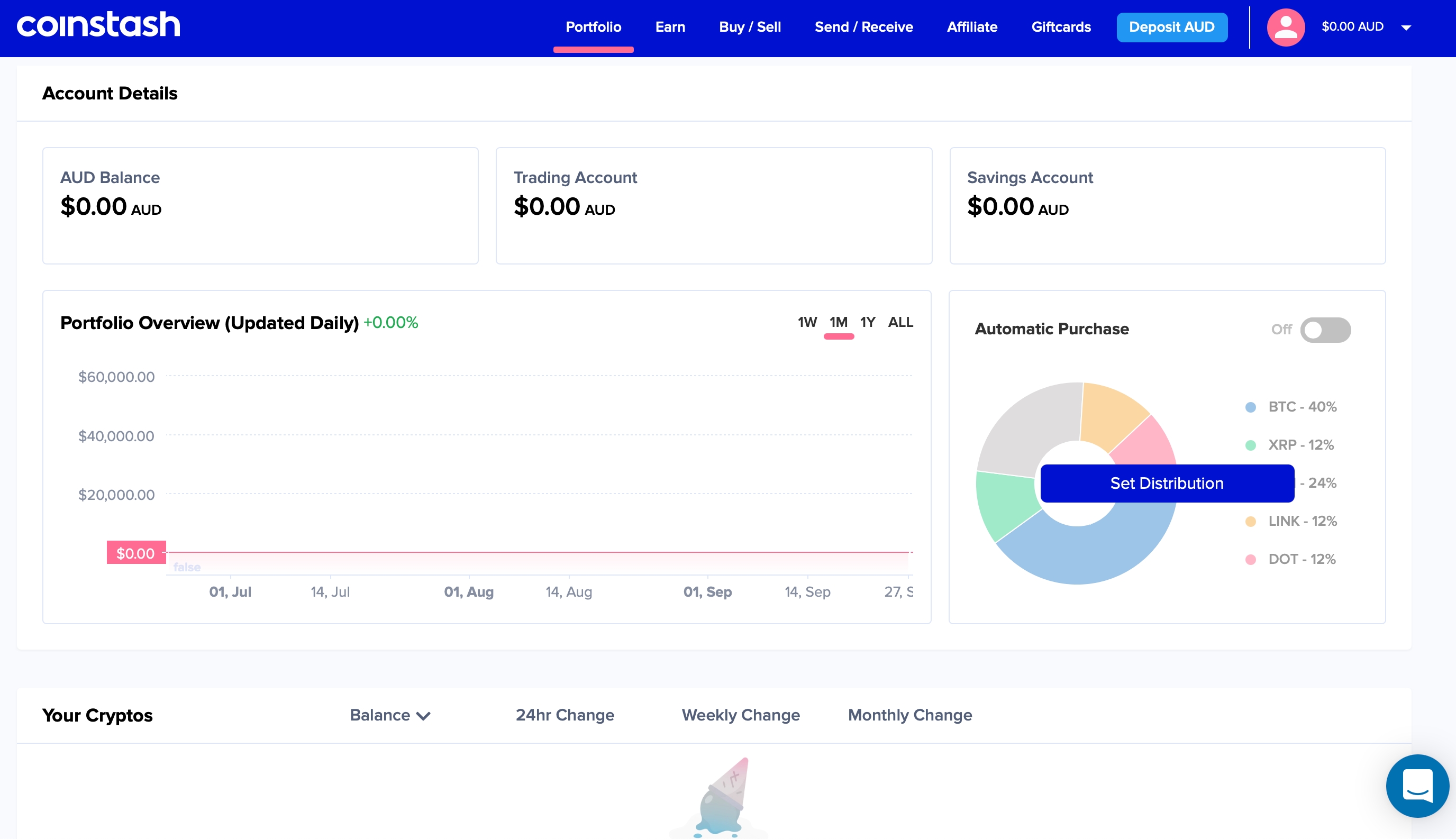
- Scroll down to the 'Transactions' section on the dashboard �IMG1�
- Click on the button next to 'csv' on the right of the page. This will automatically download the CSV file to your browser's default directory
- Upload this CSV file into Summ �IMG2�