Exchanges
Bamboo Tax Guide
Learn how to file your taxes for Bamboo transactions with Summ.
 Summ
Summ This tax guide is regularly updated: Last Update July 17, 2025
How to import your Bamboo data into Summ
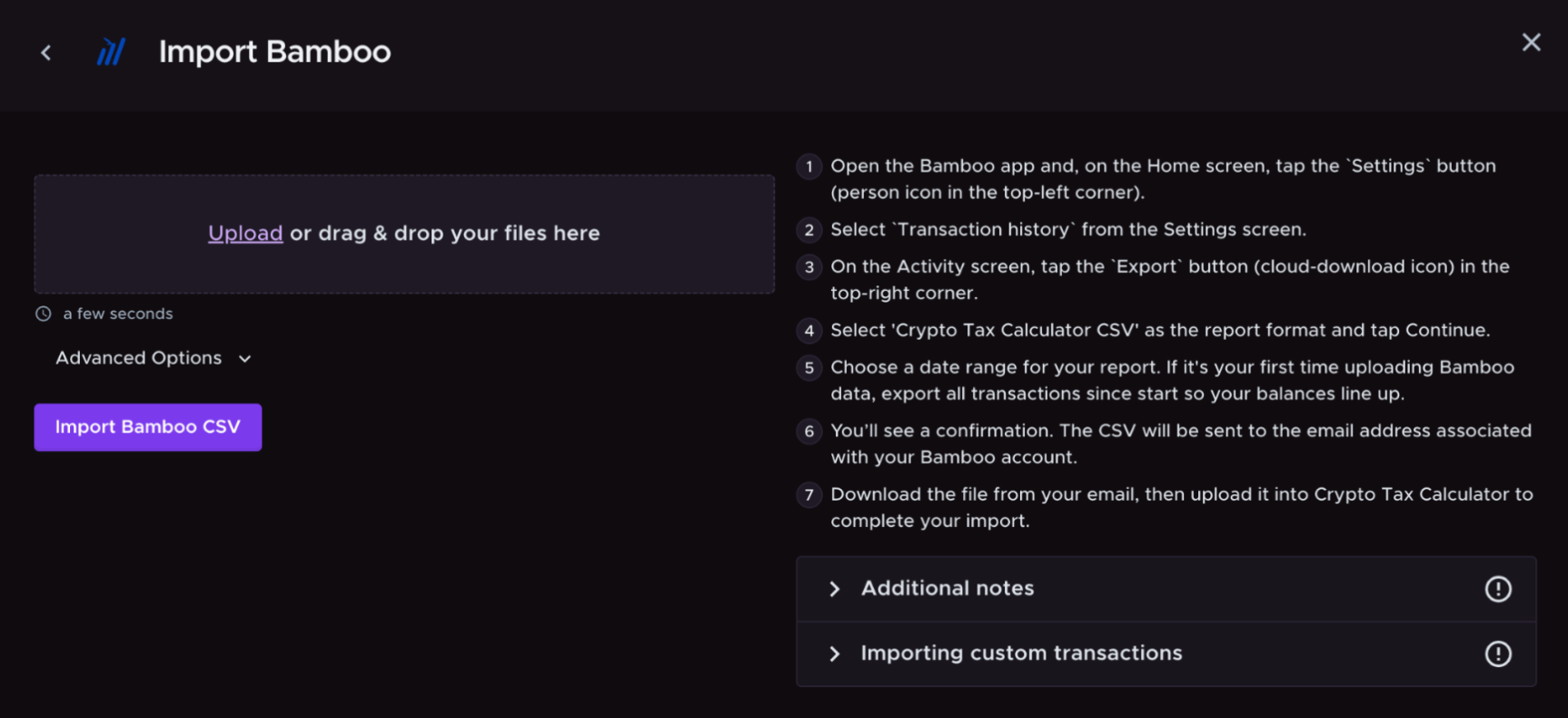
Summ allows you to upload Bamboo transactions by CSV upload. Uploading your transactions allows Summ to calculate your Bamboo tax obligation.
- Open the Bamboo app and, on the Home screen, tap the Settings button (person icon in the top-left corner).

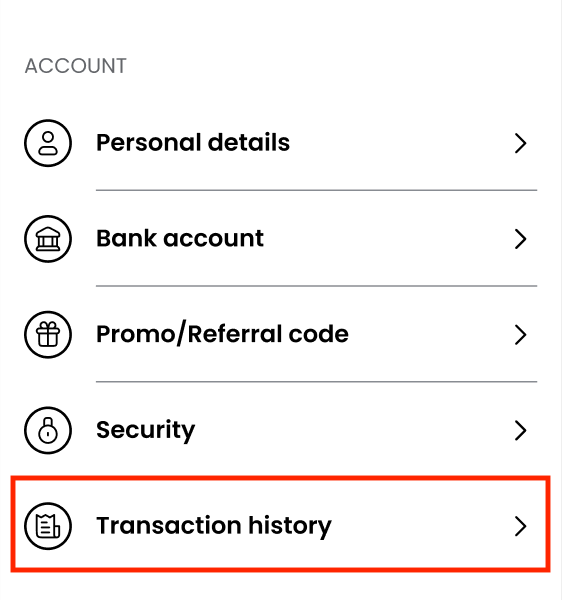
- Select Transaction history from the Settings screen.
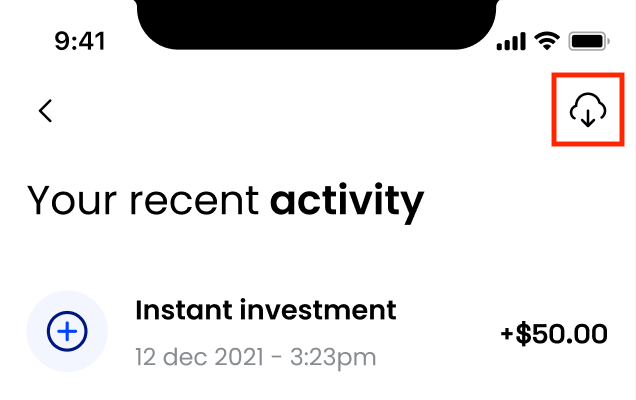
3.On the Activity screen, tap the Export button (cloud-download icon) in the top-right corner.
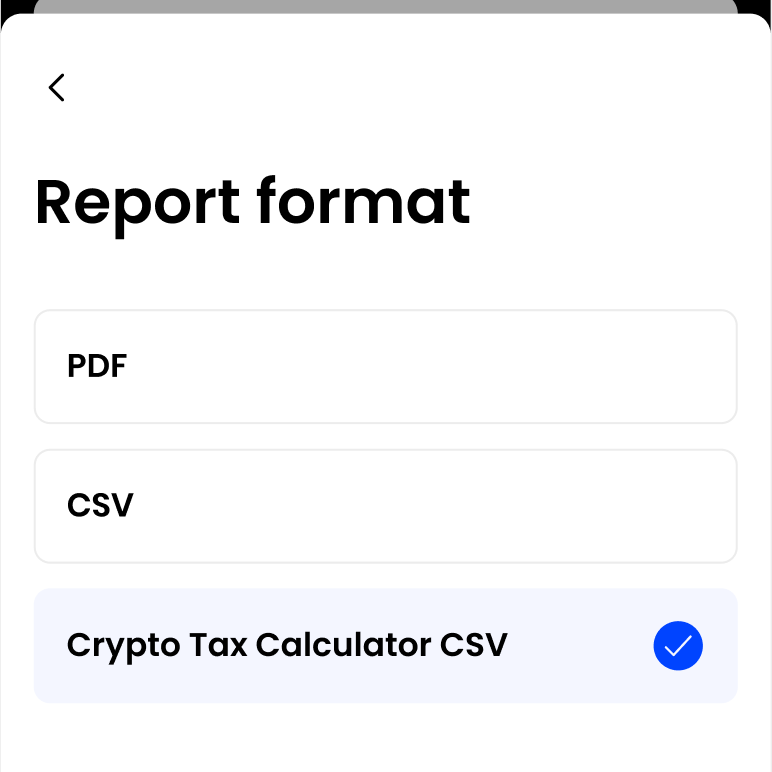
- Select Summ CSV as the report format and tap Continue.
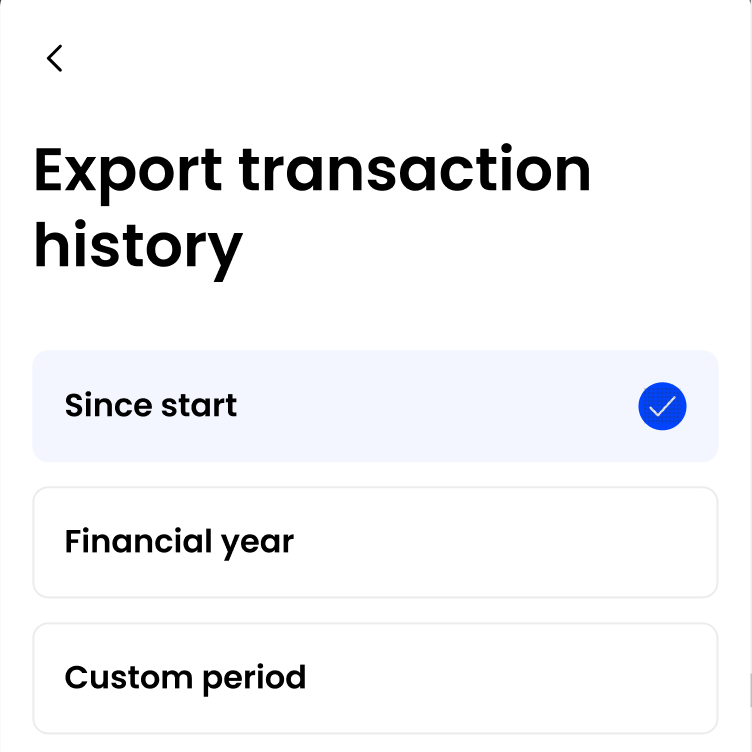
- Choose a date range for your report:
- Since start - downloads all data since you’ve started using the app. Note: First time using Summ? Export all transactions from the start so your balances line up.
- Financial year - choose the financial year you want to download the transactions for.
- Custom period - set your own start and end dates of the report.
- A confirmation message appears - your CSV is emailed to the address linked to your Bamboo account.

Tip: If the email doesn’t arrive within a few minutes, check your spam folder or confirm your email address in Settings → Personal details. For additional help, go to Profile → Help & Support in the Bamboo app.
- Download the file from your email, then upload it into Summ.
Wrapping Up
Once you have uploaded all your crypto data Summ can calculate your portfolio breakdown and crypto tax obligation.