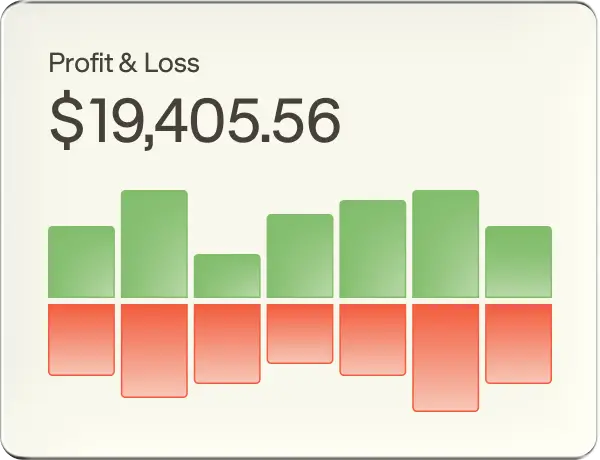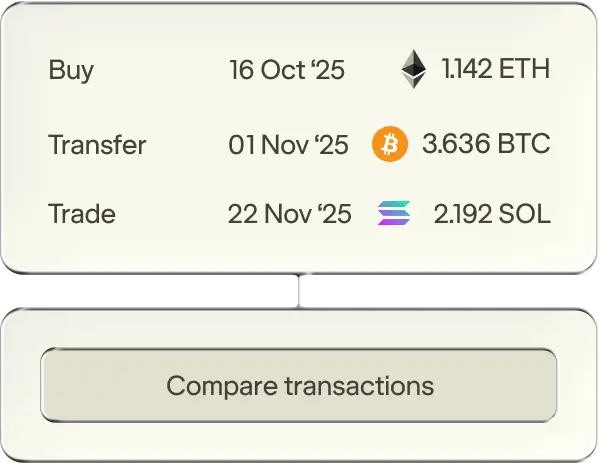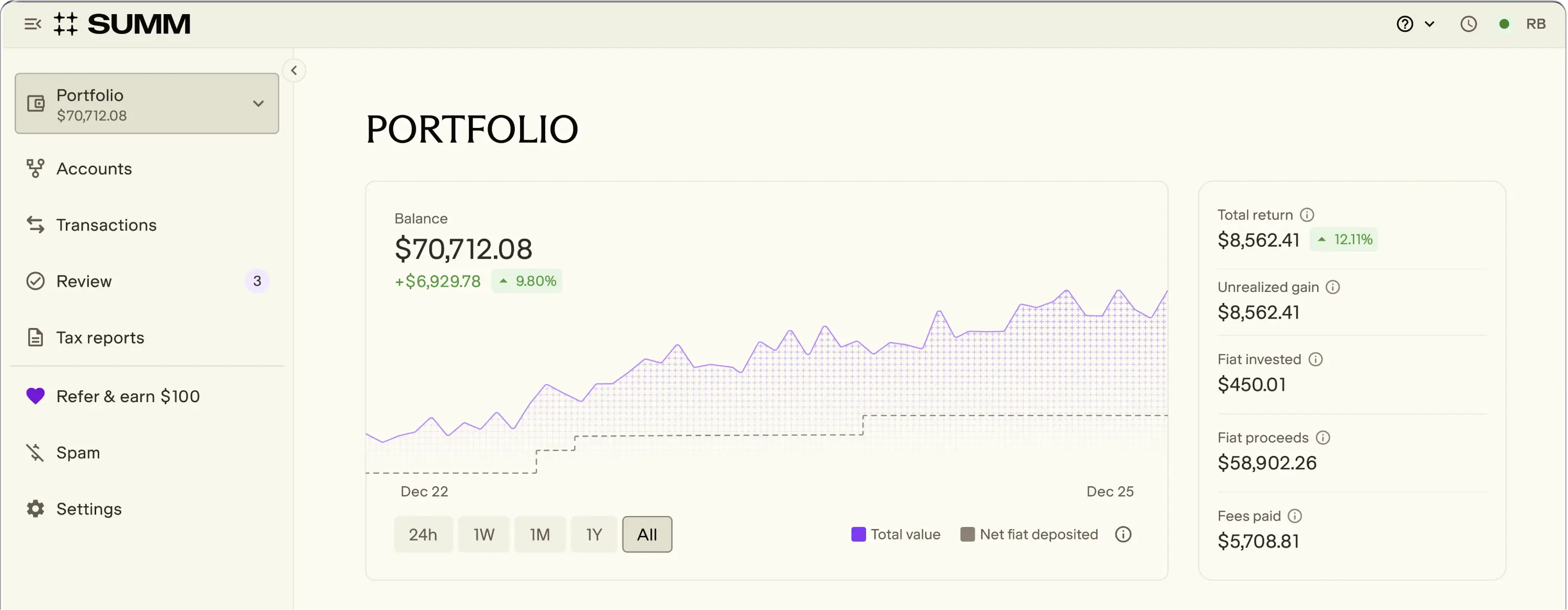





KNOW WHERE YOU STAND
01
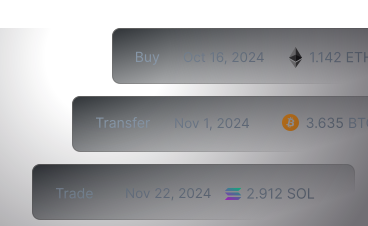
Connect accounts
Link your wallets and exchanges instantly.
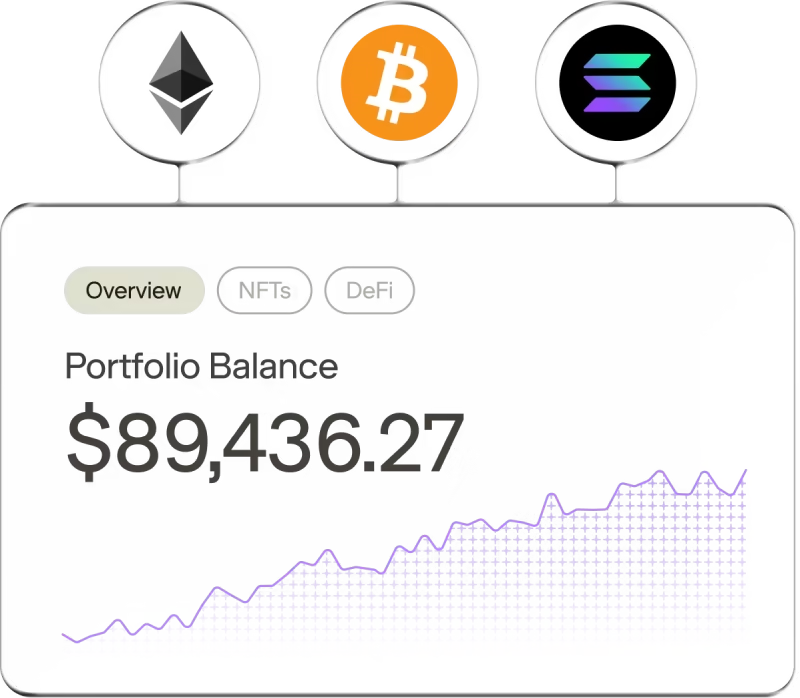

02
Review transactions
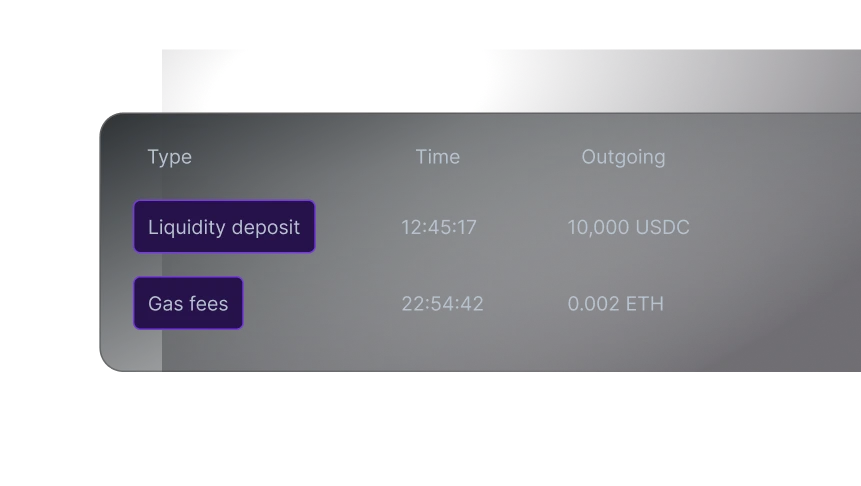
Import your transactions with a single click.
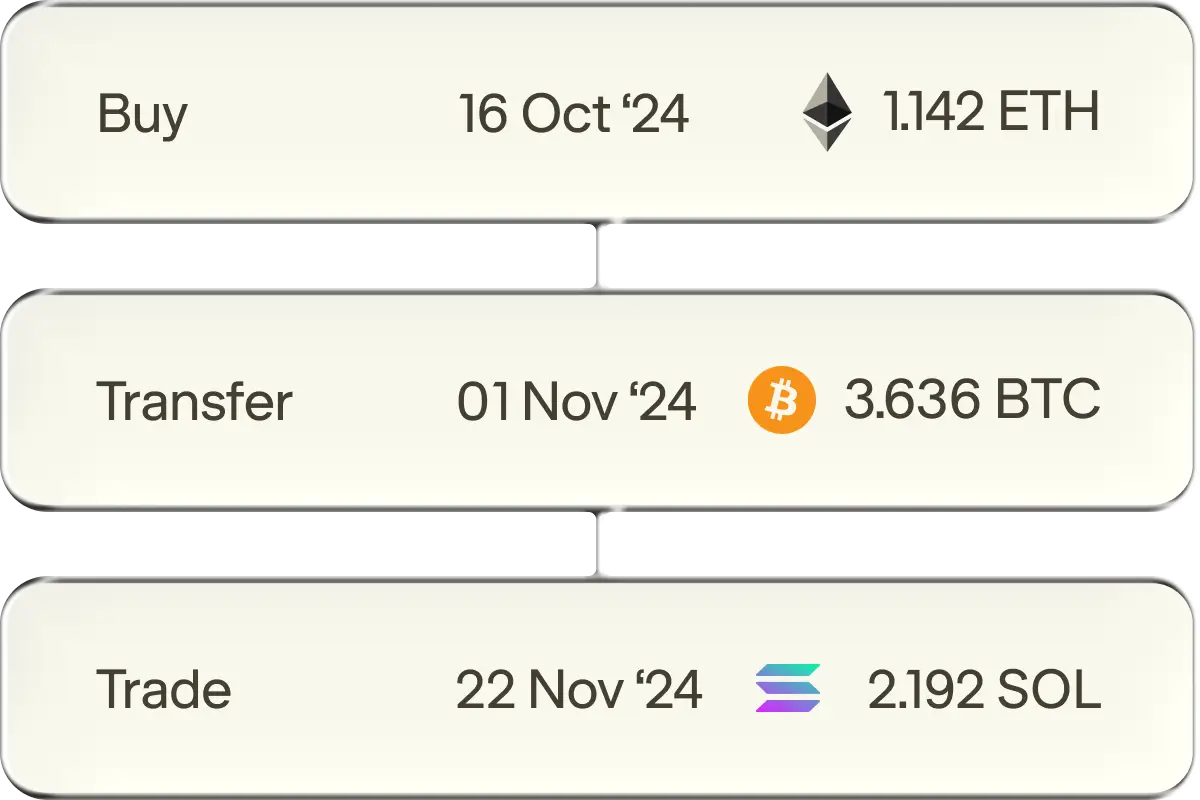
03
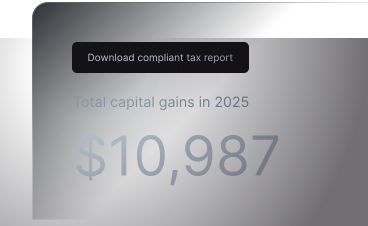
Get tax report
Generate a compliant report in minutes.
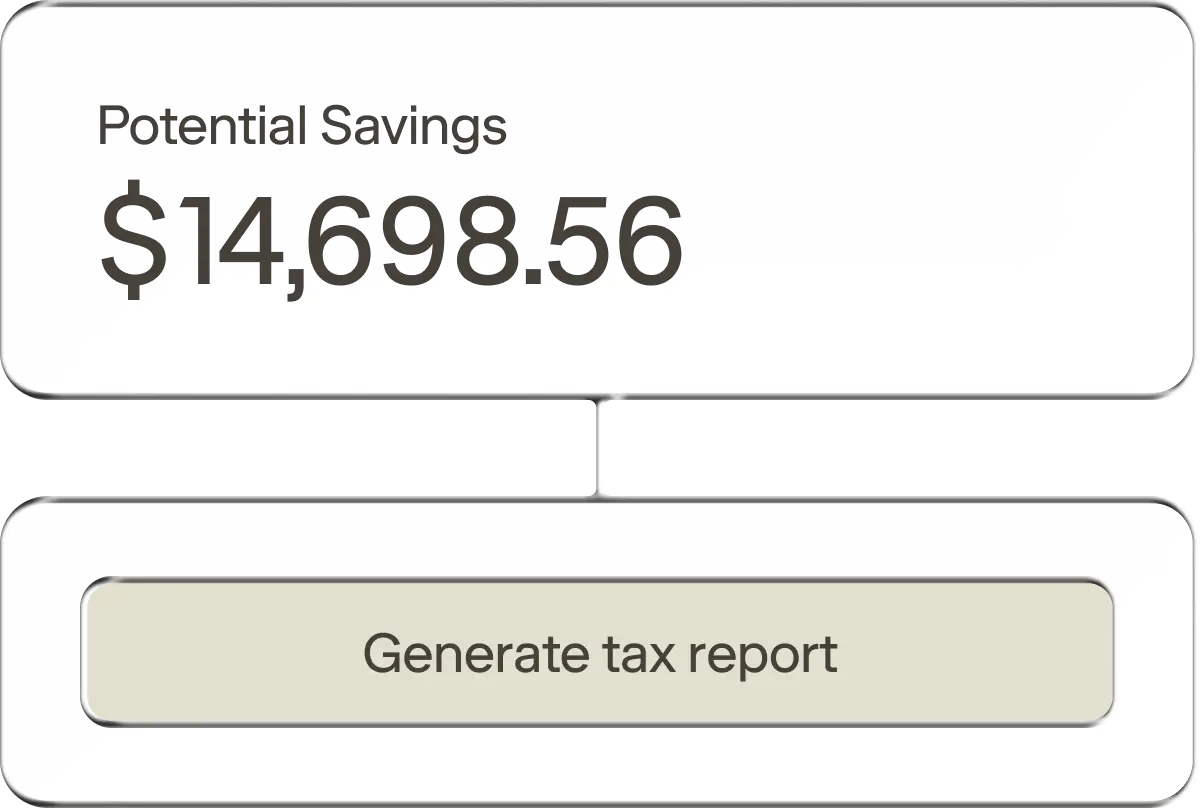
expertly tamed taxes
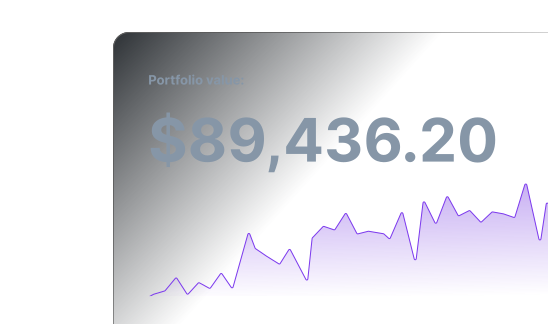
Unified tracking and tax reporting for all your crypto assets across exchanges and wallets.


Built to support local tax guidelines
Customisable tax settings let you tailor your report to match your local tax rules.

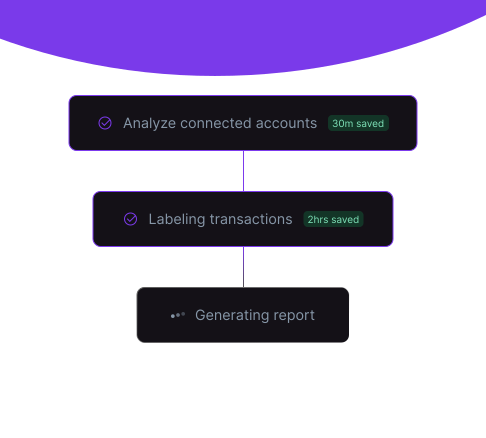
Automated compliance
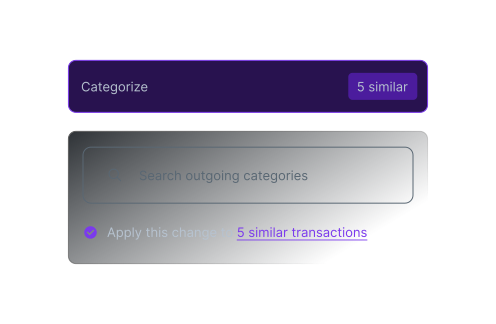
Fully automated from start to finish. Seamlessly import all your transactions, follow the automated workflow and get your audit-proof tax reports with ease.

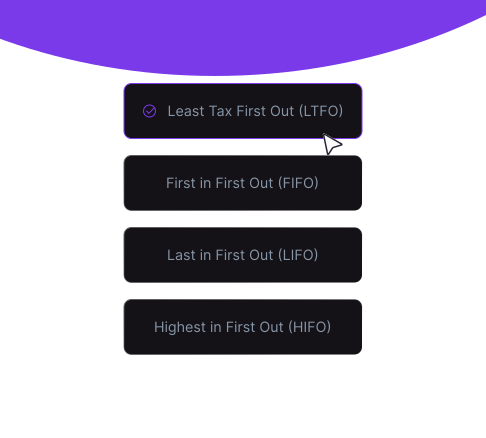
Pay the least tax possible
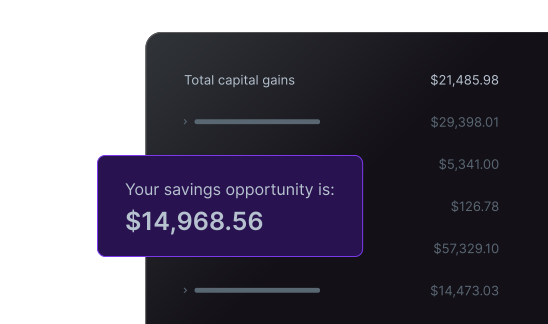
Least Tax First Out is an exclusive algorithm that optimises your crypto taxes by using the asset lot with the highest cost basis whenever you trigger a disposal event.

Have you tried @summ_app? I had good luck with it but yeah definitely needs manual reviews but automates most of them.

notJohn
@n0tJohn
7 Jan
For anyone else like me who nearly rage quit doing their crypto taxes, check out @summ_app. Totally saved my sanity...

Nino Vargas
@niniterre
14 Jan
That time of the year to go through transactions and make sure they are listed properly for tax purposes. Not fun when you have a lot of wallets but @summ_app makes it this much easier for you.

Jules- 🟧⛈️🟣
@julestrades
23 Dec
Unlike other tax items where you have to wait for 1099s' or bank statements, you can code all of your Crypto and Defi as soon as the ball drops on new years and get a good estimate of where your taxes lie. [Summ] is still my first recommendation for tools.

Smoky Tax
@smoky_tax
18 Dec
I literally could not function without [Summ]. I've got multiple assets on multiple blockchains doing 5-10k transactions a year. Doing that by hand would be pure insanity.

CorrectsYourBS I NOM
@CorrectsYourBS
13 Jan
Just did my crypto taxes with [Summ] and got my report summary. Overall, very pleased with the process! Highly recommend if you have not yet decided on what crypto software to use. Did my taxes in a few hours and going to my tax guy tomorrow.

CozShesDead.eth
@CozShesDead88
26 Mar
Called my tax accountant to warn him there will be some crypto and NFT stuff this year. His reply wasn't what I expected: “No worries, know all about them! My 13 yo daughter creates NFTs and sells them on OpenSea. And we use [Summ] for our clients” Boom! I chose well 💥💥

Liya Dashkina
@liyadashkina
31 Mar
A cryptid is tentatively back from hiatus but will be keeping update frequency low rn. Uncle Sam unretired me 4 a mission to JPN so had to finish taxes early. Got it done thx to [Summ]. I have no affiliation w/ them. Pls just keep it alive🙏

Crypto Kryptid
@CryptoKryptid
11 Apr
Best Crypto tax Software? after importing data onto Koinly, [Summ] and ZenLedger, the clear winner had the best UI. [Summ] is the winner...

LukeJ.eth
@LukeJdoteth
16 Mar
TRACK EVERY MOVE, CATCH EVERY GAIN

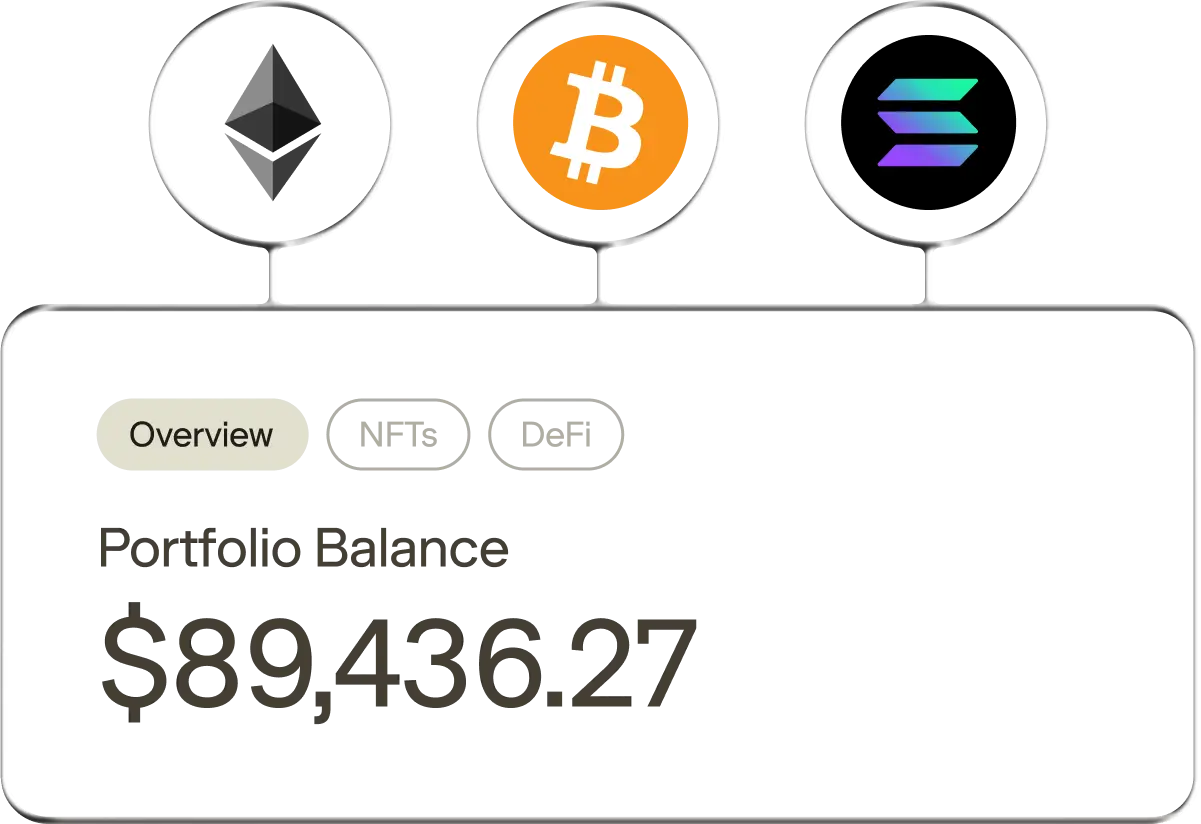

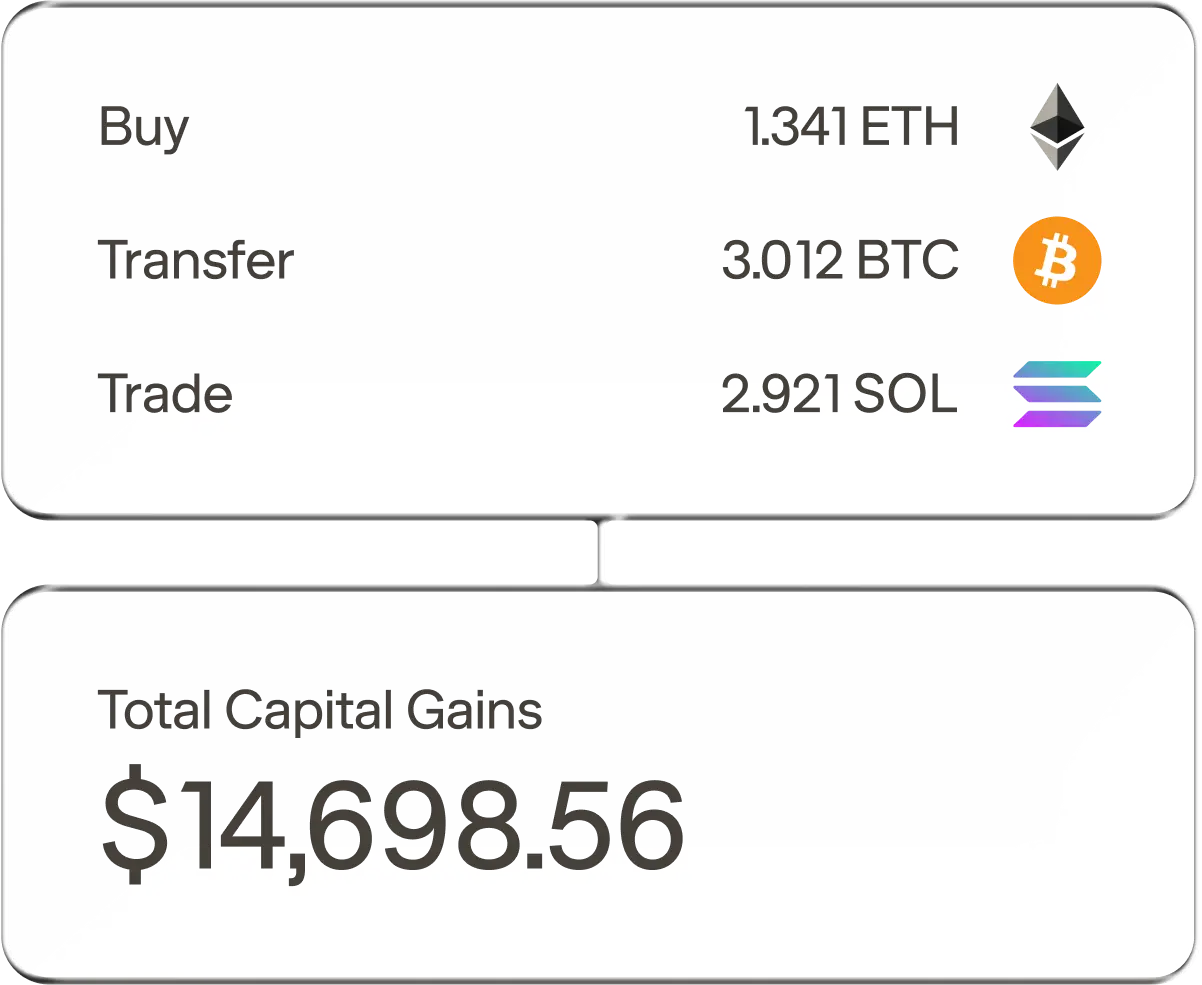


Every tax report you need
Turn even the most chaotic trades into tax reports your accountant can understand instantly. Or better yet, file them yourself directly.
Download a sample report

+8 other detailed reports
Frequently asked questions
Quick answers to some of your most common questions.
The Canada Revenue Agency (CRA) views cryptocurrency as a commodity, similar to a precious metal like gold. This means it's not considered legal tender like the Canadian dollar. How your cryptocurrency transactions are taxed depends on why you're using it. If you occasionally buy and sell cryptocurrency for investment purposes, any profits or losses are generally considered capital gains or losses. On the other hand, if your activities are more frequent, involve mining or staking, or are done with a profit motive, your cryptocurrency transactions may be considered business income or losses. The CRA requires you to report all taxable cryptocurrency transactions. This includes selling cryptocurrency for Canadian dollars or another cryptocurrency, using cryptocurrency to buy goods or services, receiving cryptocurrency as payment, and earning cryptocurrency from mining or staking. Failing to report these transactions can result in penalties or audits.
The CRA considers crypto-to-crypto trades as dispositions. This means each trade triggers a capital gain or loss, even though you haven't received any Canadian dollars. To calculate the gain or loss, determine the adjusted cost base of the cryptocurrency you're disposing of and calculate the proceeds of disposition using the fair market value (in Canadian dollars) of the cryptocurrency you're acquiring.
GST/HST may apply to cryptocurrency transactions in certain situations. If your business accepts cryptocurrency as payment for goods or services, you need to charge GST/HST. The tax is calculated on the fair market value of the cryptocurrency at the time of the transaction. Since the CRA treats crypto as a commodity, accepting it as payment is considered a barter transaction. Both parties involved in the barter may need to account for GST/HST. GST/HST generally doesn't apply to personal cryptocurrency transactions unless your activities are considered a business.
Failing to report your cryptocurrency transactions can have serious consequences. The CRA can impose penalties and charge daily compound interest on any unpaid taxes. You may be subject to a tax audit, and in severe cases, you could face criminal charges. If you realize you made a mistake or omission on your tax return, you can correct it through the CRA's Voluntary Disclosures Program. This allows you to come forward and disclose the information before the CRA starts an audit. It's always best to be proactive and report all your cryptocurrency activity accurately and on time.
The platform is free to use immediately upon signup, allowing you to import your transactions and take advantage of our smart suggestion and auto-categorization engine, portfolio tracking, DeFi and NFT support. For access to reports, the tax loss harvest tool or chat and priority support, you will need to upgrade to the appropriate paid plan.




WE HAVE YOU COVERED
Don’t waste hours combing block explorers and drowning in spreadsheets - import transactions automatically from over 3,500+ sources.


Stay sharp,
stay connected
Crypto 101, guides and product updates.
Canada Tax Guide
Unsure about your crypto tax obligations? This comprehensive guide helps you understand and file your crypto taxes in Canada.
Tax Loss Harvesting in Crypto
How to use your crypto losses to offset your gains with tax loss harvesting.
How to Report Your Coinbase Taxes in 2025
Learn how to seamlessly integrate your Coinbase account with Summ












.png)